Aktualności
Aktualizacje gry, prosto z ogłoszeń studia na Steamie.
Wszystkie ogłoszenia na SteamieHotfix: 1.0.313
Hey guys! A new hotfix, 1.0.313, is live!Przeczytaj na Steamie
- Fixed an issue where placing mirrored blocks could cause glitches and incorrect placement.Small-update: 1.0.312
Przeczytaj na SteamieHey guys! A new small update, 1.0.312, is live!
- Added a new block: Cabinet Doors (you can use them to hide electronics!)
- You can now adjust the holding distance of packages with the mouse wheel and rotate them while holding RMB!
- Added "Player Invulnerability" to World Settings
- Added "Full thrust time:" to the description of all thrusters, showing how long it takes for a thruster to go from 0% to 100% thrust
- Fixed text overflowing in the World Settings menu
- Fixed an issue where the Red Tank could detach even when it was empty and no explosion occurred. Now, if the tank is empty and runs out of cooling, it will remain correctly attached.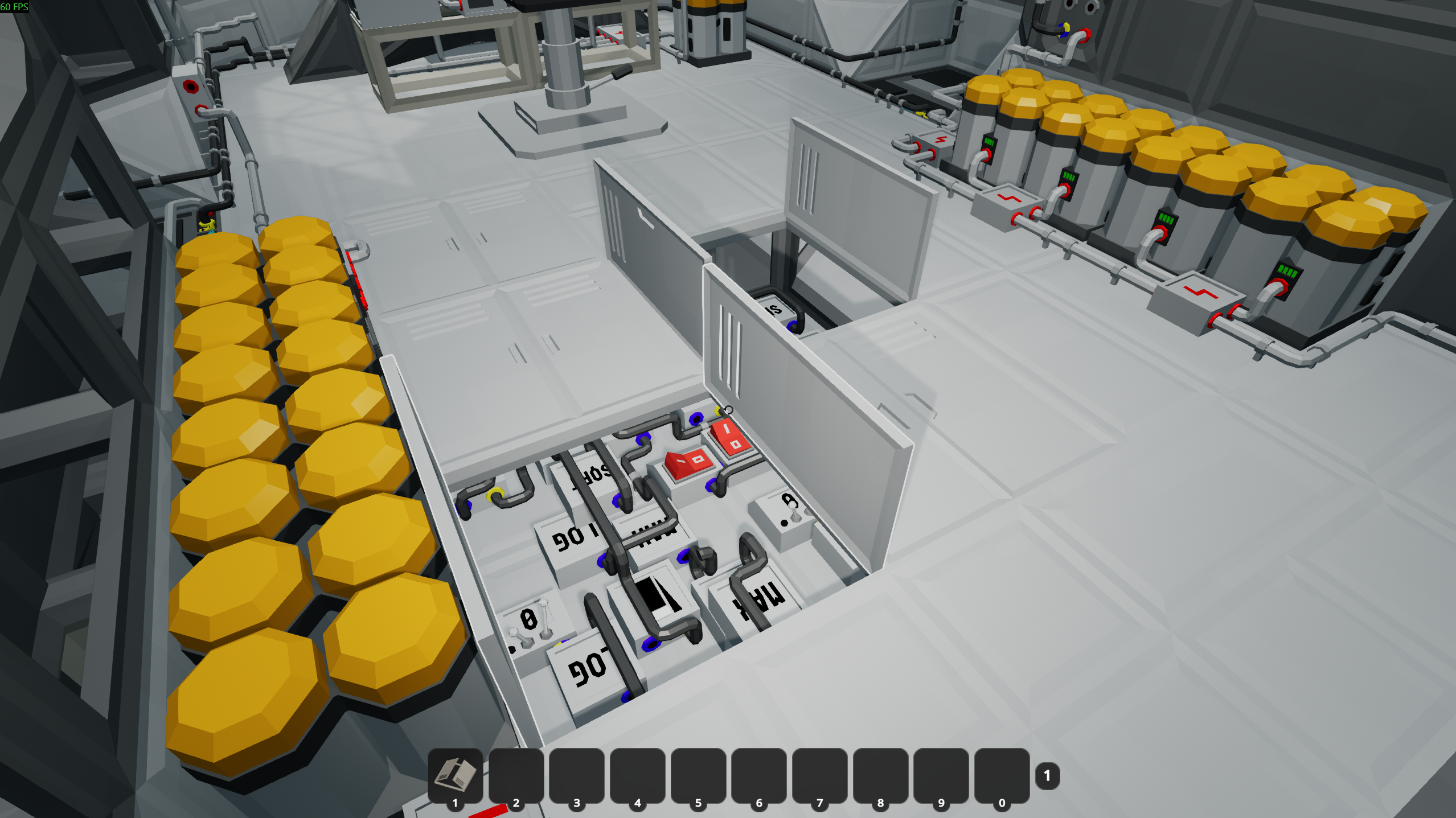
3 Months Since Release! 32 Updates and 25% OFF!
Przeczytaj na SteamieHey guys!
What's New Since the Demo?
It's been exactly 3 months since the release of Approximately Up!
During these months, I've been working really hard on improving the game, fixing bugs, and adding many new features and QoL improvements that you guys have requested. I'm really happy to see that many of you appreciate these changes, and I'm thankful to everyone who has supported the game so far!
In fact, there have already been 32 updates since release! I think that's quite a lot for just 3 months, and I hope it shows how much I care about the game and how much potential it still has to grow!
So, because of this little 3-month anniversary, I've decided to introduce a 25% discount for those of you who haven't decided to try the full game yet! ^^
I would also like to use this opportunity to summarize some of the biggest changes since the original Demo, including all the new content and improvements that have been added after release. There have been quite a lot of them, so here we go!69 objectives! The original Demo had just 6 missions available, while the full game now has 69 objectives!
15 planets! Compared to just 2 planets in the Demo, you can now explore 15 different planets!
Around 200 hours of campaign gameplay! There is quite a lot to do in the full game, and completing everything can easily take hundreds of hours!
322 components! The full game currently contains 322 different components that you can use to build your spaceships!
Steam Workshop! You can now upload or download spaceships made by other players! And it's not just about whole spaceships. You can also find individual logic systems, such as PID controllers, that you can simply download and connect to your own spaceship without needing to understand exactly how they work!
Creative world settings! You can now create worlds with settings such as Unlimited Components, Unlocked All Components, Unlocked All Planets, or Indestructible Spaceship Joints. So if you just want to build and experiment with whatever comes to your mind, you can!
Fuel systems! The full game now contains different types of fuel that you can mix in different ratios, each with its own advantages and disadvantages. Of course, there are also fuel tanks, fuel thrusters, pipes, and many other components related to this!
Many, many new components! Such as Holographic Displays, Camera Overlays, Fuel Thrusters, Fuel Tanks, many new thrusters, Space GPS, Wind and Solar Shields, Plasma Generators, Nanoframes, Pipes, Nanopipes, Power Nano-Cables (up to 400 P/s), Night Vision Cameras, Rotational Telescopic Cameras, Decouplers, Colored Lights, Ballasts, and much more!
Multiple worlds! Unlike the Demo, where you basically had just one save, you can now create multiple worlds with different settings!
Animals! There are now several types of animals living on some of the planets!
Solar Storms! Flying close to the Sun can now be quite dangerous, so you'll need to think about how to protect your spaceship, especially when travelling to planets close to the Sun!
Glass! Glass components are now available for all frame shapes, allowing you to build much more interesting cockpits, glass domes, and other things!
15 skins! You can unlock new skins as you discover new planets!
22 colors! There are now 22 different colors available for painting your spaceship!
22 achievements! The full game currently contains 22 Steam achievements!
Building and Quality-of-Life Improvements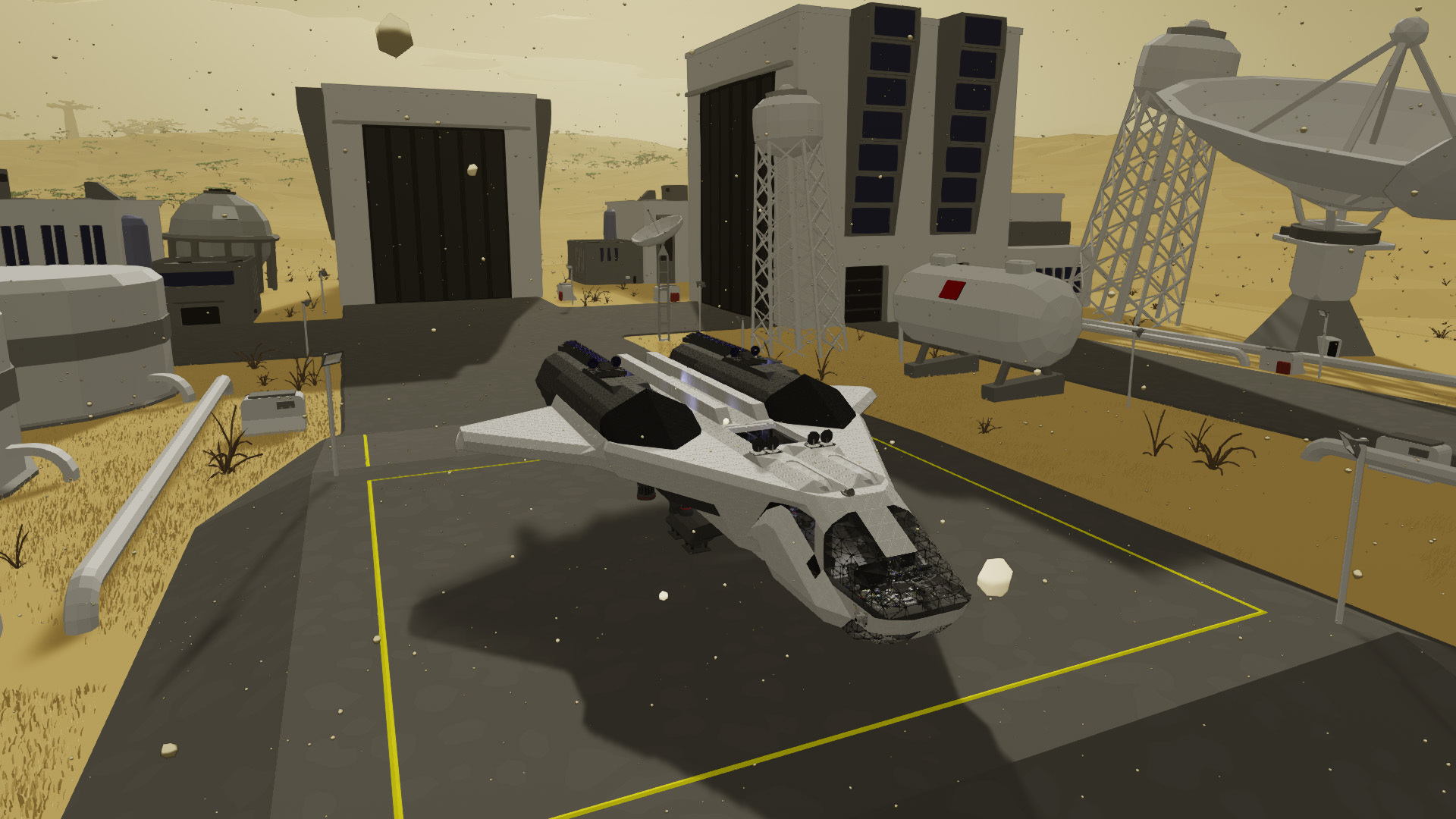
These are probably some of my favorite changes, especially because many of them were requested by you guys!
Mirroring! By pressing V, you can now mirror a single component or a whole group of components selected with G along the X, Y, or Z axis. This should save you a LOT of time when building symmetrical spaceships!
Undo/Redo! Have you accidentally deleted some components or made a mistake? You can now undo and redo up to 200 steps using Ctrl+Z and Ctrl+Y!
Cable Pathfinder! You can now use a pathfinder that automatically finds paths for cables, which should make wiring your spaceship much easier and faster! The original snapping system is still available if you prefer it.
3x Fast Forward! You can now speed up simulation time by 3x, which is especially useful when travelling long distances and you don't want to wait too long!
Pause! Yes, you can finally pause the game!
Auto-Painter! You can now take some paint into your hand, enable Auto-Painting with E, and every component that you place from that moment will automatically be painted with the selected color!
Paint Radius! You can now increase the Paint Roller's radius up to 5 meters, which makes repainting large parts of your spaceship significantly faster!
Spacewalks! You can now freely exit and enter your spaceship in space, as long as it's not accelerating. You can walk around your spaceship, inspect it from outside, or simply take some nice screenshots!
Cinematic Mode! Added an option to hide the entire UI, allowing you to take cleaner screenshots or record cinematic videos!
Smaller building grid! Almost all components now support a 1/8 grid, just like cables, allowing you to build much more compact logic systems!
Stackable math blocks! Math blocks can now stick to each other from all sides, allowing you to compress your whole logic system into a tiny "spaghetti cube"! ^^
Universal ports! Frame Quarters With Ports now have 4 universal ports that automatically change to data or power depending on the connected cable. In the Demo, they had fixed 3 data ports and 1 power port.
Wireless Transmitter range! Increased from 100 meters to 2,000 meters!
Rotatable labels! You can now rotate writable labels by 180 degrees, allowing you to place levers and other components upside down while keeping their labels readable!
Colored Whiteboards! You can now use different colors on Whiteboards!
Jetpack Hover! You can now change the controls so that hovering activates with a single press of your chosen key instead of the default double-tap of Shift!
New star system! The original full-star/half-star system has been replaced with 3 individual stars: No Time Rewinds, No World Cheats, and No Fast Forward. Each star has its own description explaining what it means. Also, the Fast Forward star is purely cosmetic and doesn't affect achievements or any other game mechanics!
Making the Game Easier to Learn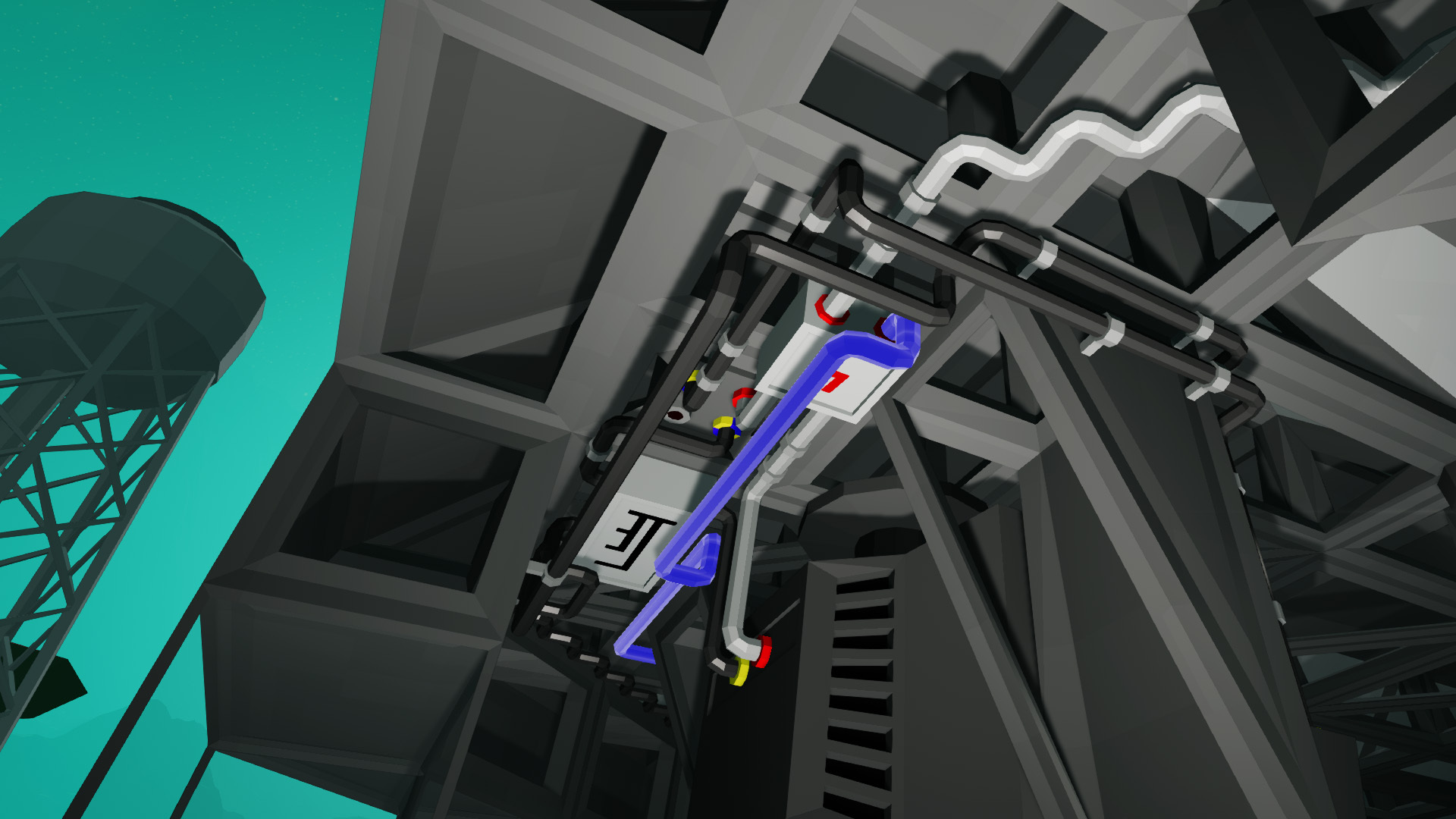
I know that Approximately Up can be quite difficult to understand at first, especially if you're completely new to building logic systems. I've been trying to improve this as much as possible, and there have already been some pretty big changes!
Completely reworked tutorial! The tutorial in the full game is much better compared to the one in the Demo. I agree that it still doesn't explain absolutely everything, but I'm continuing to look for ways to help new players understand the game and build their first spaceship!
Guides for EVERY mission! I've added step-by-step guides for all missions directly into the Objectives Log! So if you're stuck somewhere, you can find instructions on how to complete the mission, useful tips, package dimensions, and much more!
Keep your tutorial spaceship! After completing the tutorial, you can now keep your spaceship and continue improving it! Or you can simply take it apart and try to understand how everything works, which I think is one of the best ways to learn!
4 starter blueprints! After completing the tutorial, you'll also receive 4 blueprints, including a spaceship called "Bare Minimum", which is basically the simplest spaceship needed to fly somewhere. I really recommend checking it out if you're struggling with building your first spaceship!
More in-game Manuals! I've added many new manuals explaining different game mechanics and components!
Official Wiki! We now have our own wiki at https://approximatelyup.wiki.gg/! It's still in its early stages and growing every day, but it should already contain most of the basic information. It's also community-driven, so anyone can contribute if they want to!
And a Few Other Things!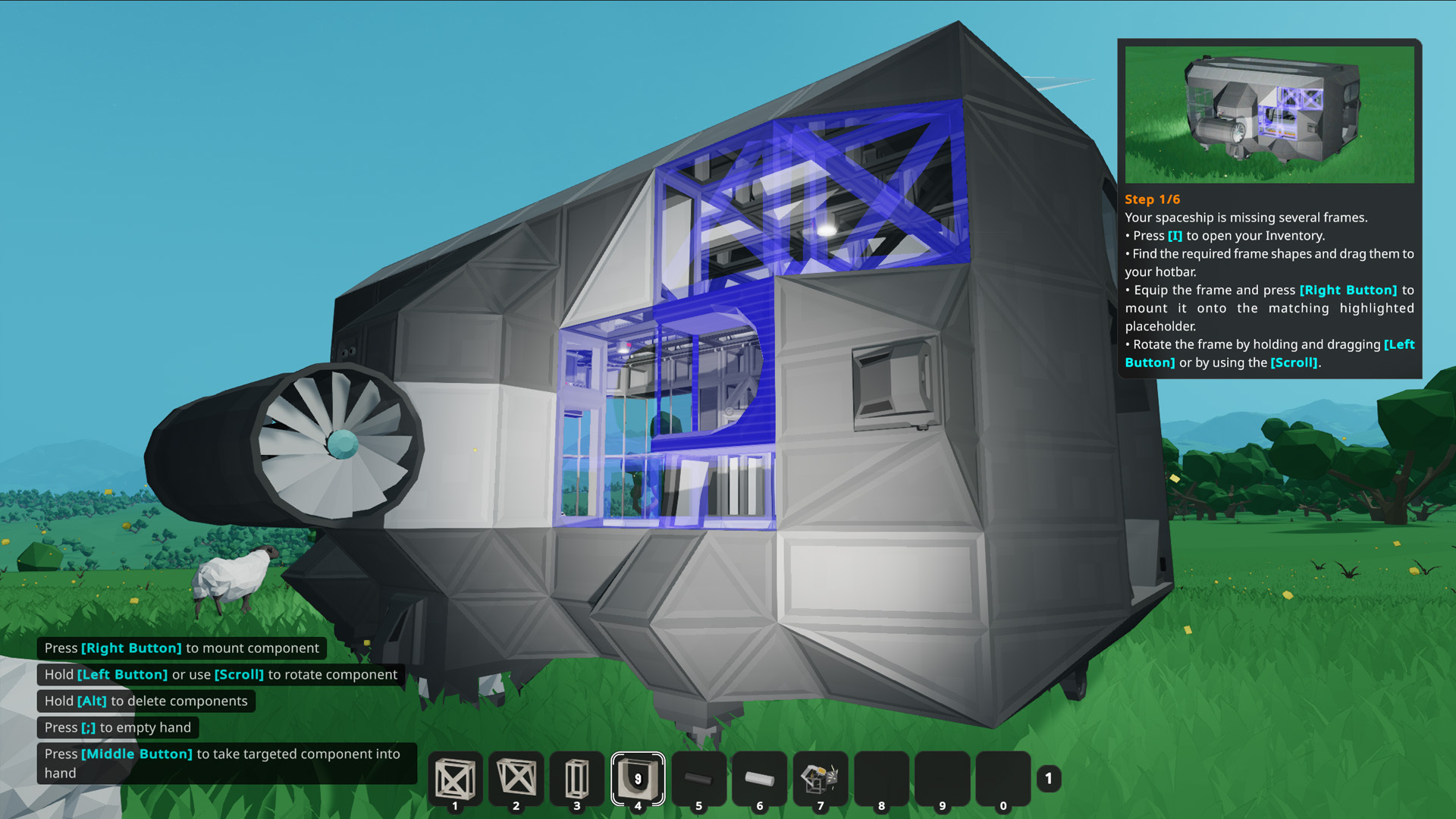
14 languages! While the original Demo was available only in English, the full game is now translated into 14 languages!
GeForce NOW! Approximately Up is now available on GeForce NOW!
Linux and macOS! While these platforms are not officially supported yet, many players have reported that they were able to run the game using Proton or other compatibility solutions without major problems. Of course, I can't guarantee that everything will work, but I thought it might be worth mentioning!
And that's still not everything!
There have also been many other changes, bug fixes, performance improvements, multiplayer fixes, and other things that I haven't mentioned here. But I also don't want to spoil absolutely everything, since discovering new things is part of the game!
I'm really happy with how much Approximately Up has changed since the Demo, and especially during these first 3 months after release.
And I definitely don't plan to stop here! I still have many things that I would like to add to the game, including some bigger features that have been requested by the community. I'm doing my best to keep improving the game and making it more enjoyable for everyone!
Once again, thank you all so much for your support, feedback, bug reports, and suggestions!
And if you haven't tried the full game yet, don't forget about the 25% discount to celebrate these first 3 months!
Thank you guys, and I hope you'll enjoy what's coming next!
The Approximately Up universe is waiting for you! ^^Micro-update: 1.0.311
Hey guys! A new micro-update, 1.0.311, is live!Przeczytaj na Steamie
- Fixed an issue where the paint radius could be adjusted while any UI was open
- Fixed the Green Trench Pump sucking in particles even when it had no power
- Improved handling of invalid joint connections between frames that touch only at their edgesSmall update: 1.0.310
Hey guys! A new small update, 1.0.310, is live!Przeczytaj na Steamie
This update is mainly focused on improving multiplayer synchronization for clients.
It should help with issues where clients would see all cables disconnected from their ports, as if they were broken. It should also help with the "bouncing spaceships" issue, where parked spaceships would sometimes bounce around on the planet's terrain.
I have discovered that due to differences in CPU architectures, terrain generation may produce slightly different results for some players. For example, a client might have a terrain vertex that is 0.5 m higher than the same vertex on the host's side. When the spaceship's position is synchronized from the host to the client, it could end up slightly underground on the client's side, immediately causing a collision and making the spaceship bounce.
I have tried several approaches to make terrain generation deterministic across all devices, so all players should get exactly the same terrain.
I cannot confirm yet that these changes have solved 100% of the issues you've been experiencing, but they should definitely help! We'll see over time just how much of a difference they make, and I'll keep working on improving the multiplayer experience as much as possible!
Please let me know here or on Discord whether you've noticed any improvements, or if things are still about the same. Your feedback will help me figure out what still needs fixing!
A few other changes:
- Fixed misconfigured joint areas on Glass Quarter Curved 2
- Increased the Beeper's pitch range by 1
Thanks, everyone!Small update: 1.0.309
Hey guys! A new small update, 1.0.309, is live!Przeczytaj na Steamie- Added automatic horizontal motion stopping when you are in Build Mode inside the blue building sphere.
- Fixed incorrect painting areas on some thrusters. Sorry about that! This was caused by incorrectly exported 3D models.
- Fixed an issue with the Dynamo Box in Fast Forward mode.
- Expanded the Unlimited Components option into three modes:
- Off: Normal component availability limits.
- Unlimited components: Allows you to place an unlimited number of currently unlocked components.
- Unlocked all components: Unlocks all components and allows you to place an unlimited number of them.
Important: If you have an existing world that uses the Unlimited Components option, you'll need to select your preferred mode again, as it will default to Off after this update.- Added automatic horizontal motion stopping when you are in Build Mode inside the blue building sphere.
Small update: 1.0.307
Hey guys! A new small update, 1.0.307, is live!Przeczytaj na Steamie
- Added switches to all thrusters, allowing you to independently enable or disable linear and angular stabilization.
- Added a knob to Extendable Dampers to control their initial extension. For example, you can now set them to start fully extended when entering Fly Mode!Micro-update: 1.0.305
Hey guys! A new micro-update, 1.0.305, is live!Przeczytaj na Steamie
- Fixed some issues with the Cable Pathfinder that could cause it to briefly freak out and generate incorrect paths before finding the correct one.
- Upgraded the Unity version, which should help resolve crashes occurring immediately after launching the game, particularly on older versions of Windows.Micro-update: 1.0.304
Hey guys! A new micro-update, 1.0.304, is live!Przeczytaj na Steamie
- Improved Cable Pathfinder performance and fixed stuttering issues.Micro-update: 1.0.302
Hey guys! A new micro-update, 1.0.302, is live!Przeczytaj na Steamie
- Fixed an issue where the cable pathfinder would sometimes generate incorrect paths with two overlapping cells.
- Open guides and planet menus now automatically close when switching worlds.